Bug #7521
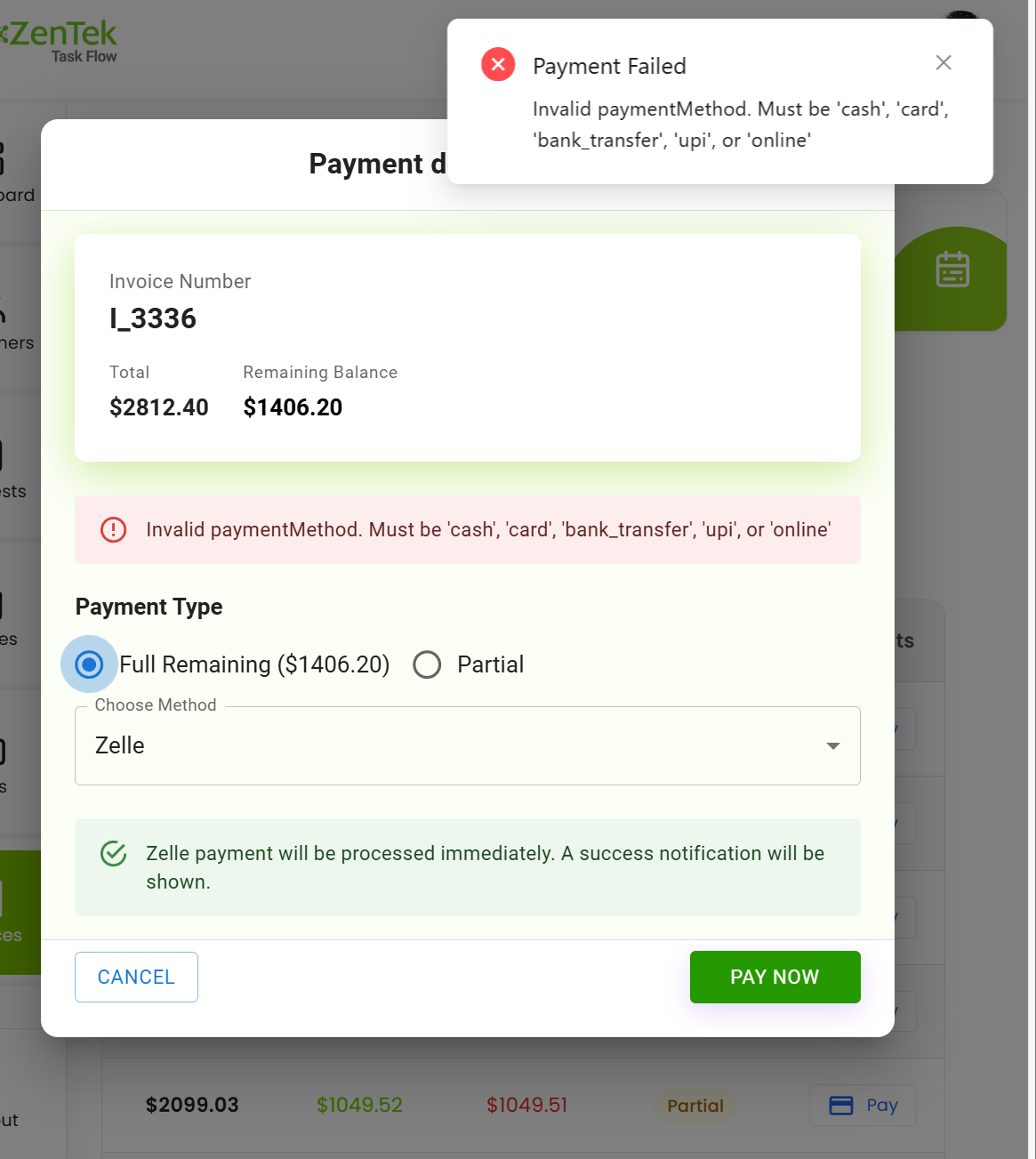
closedRemaining Balance Showing Incorrect & stop the Auto Job Creation
Tested Date:
02/06/2026
Raised by Tester:
Sravani
Description
After completing the invoice payment successfully, the remaining balance amount is displayed incorrectly. Additionally, an auto job is created after invoice creation, which should not happen.
Steps to Reproduce:
Create an invoice.
Complete the payment successfully.
Check the remaining balance amount.
Verify the job creation status.
Expected Result:
The remaining balance should display the correct amount.
No auto job should be created after successful invoice payment.
Actual Result:
The remaining balance amount is incorrect.
An auto job is created automatically after payment.
Files
Subtasks
Related issues
Updated by Sravani Rangannapalem 7 months ago
- File clipboard-202602061602-3v7zl.png clipboard-202602061602-3v7zl.png added
- Subject changed from Remaining Balance Showing Incorrect & stop the Auto Job Creation to Remaining Balance Showing Incorrect & stop the Auto Job Creation & hide the error in payment details page
- Description updated (diff)
Updated by Ajit A 7 months ago
- Subject changed from Remaining Balance Showing Incorrect & stop the Auto Job Creation & hide the error in payment details page to Remaining Balance Showing Incorrect & stop the Auto Job Creation
- Description updated (diff)
- Status changed from In Progress to Closed
Completed